Keep practice going between lessons
Share assignments, let families log practice and short clips, and get an honest read on who is engaged - for both the family and the teacher.
A practice loop that closes before the next lesson
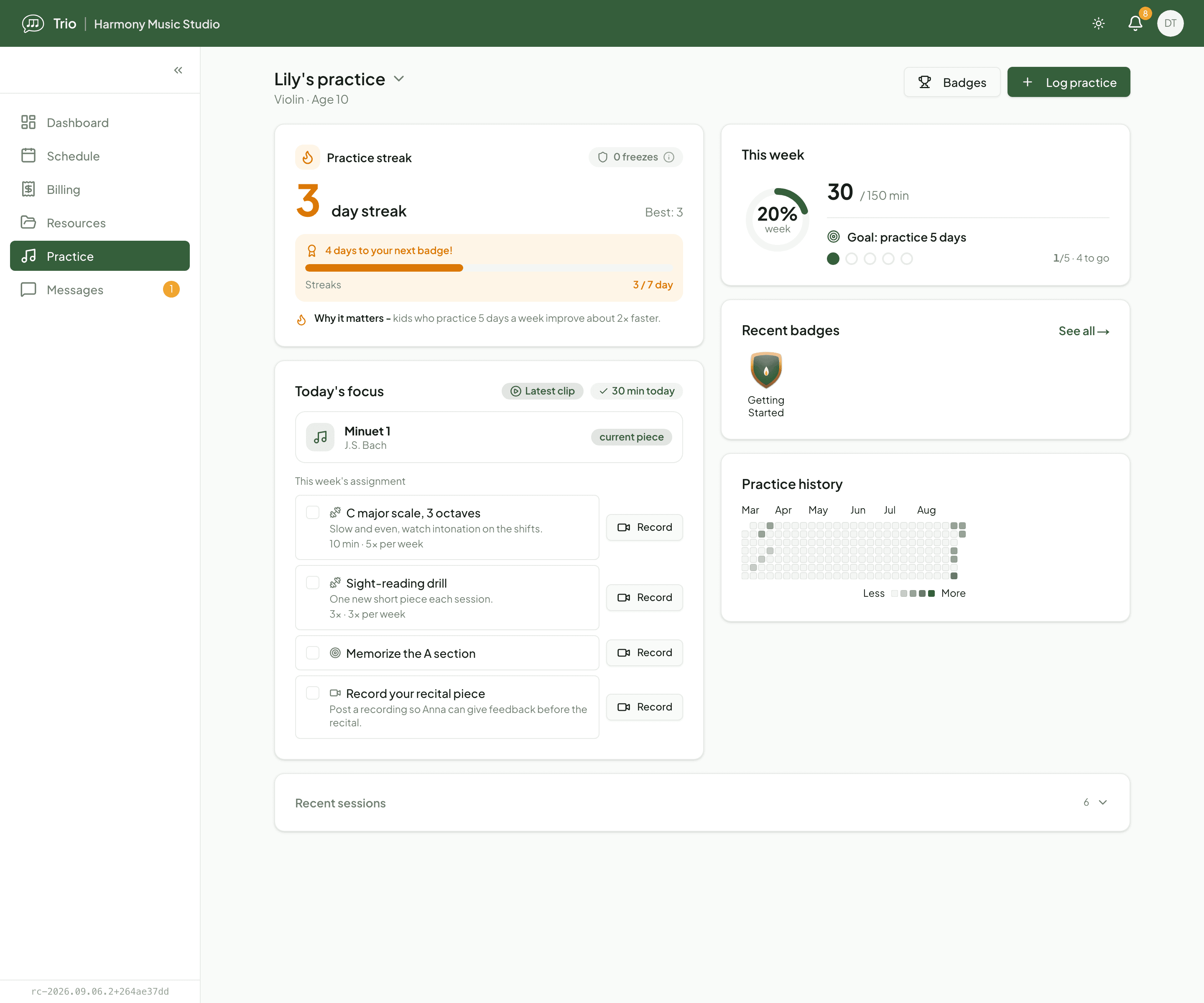
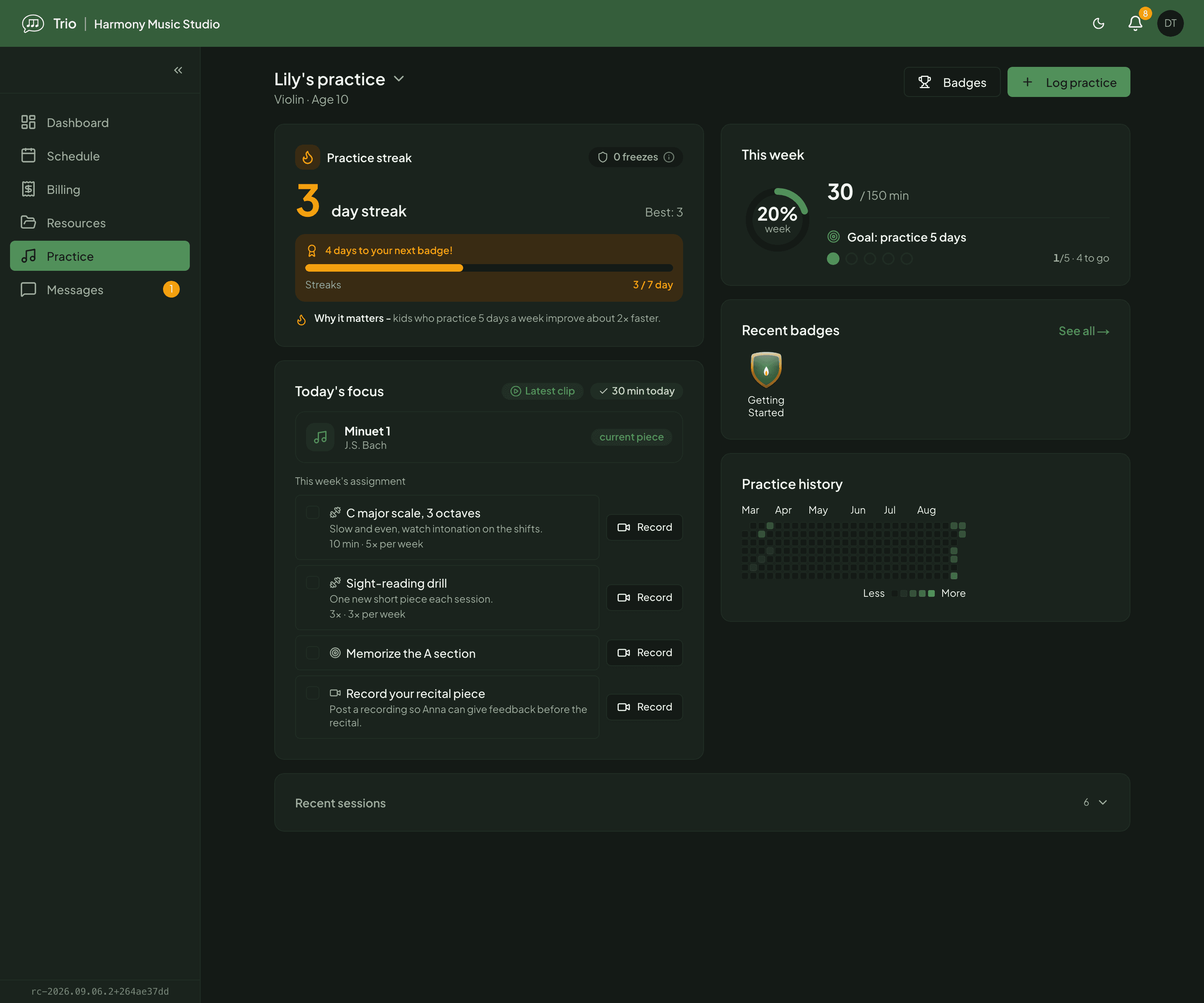
After a lesson, a parent opens Trio and switches to the right child. This week's assignment is already there - the pieces and exercises the teacher attached to the lesson note, each with a daily target. The parent marks a session done, jots the minutes, and uploads a ten-second clip of the tricky passage.
Before the next lesson, the teacher steps in
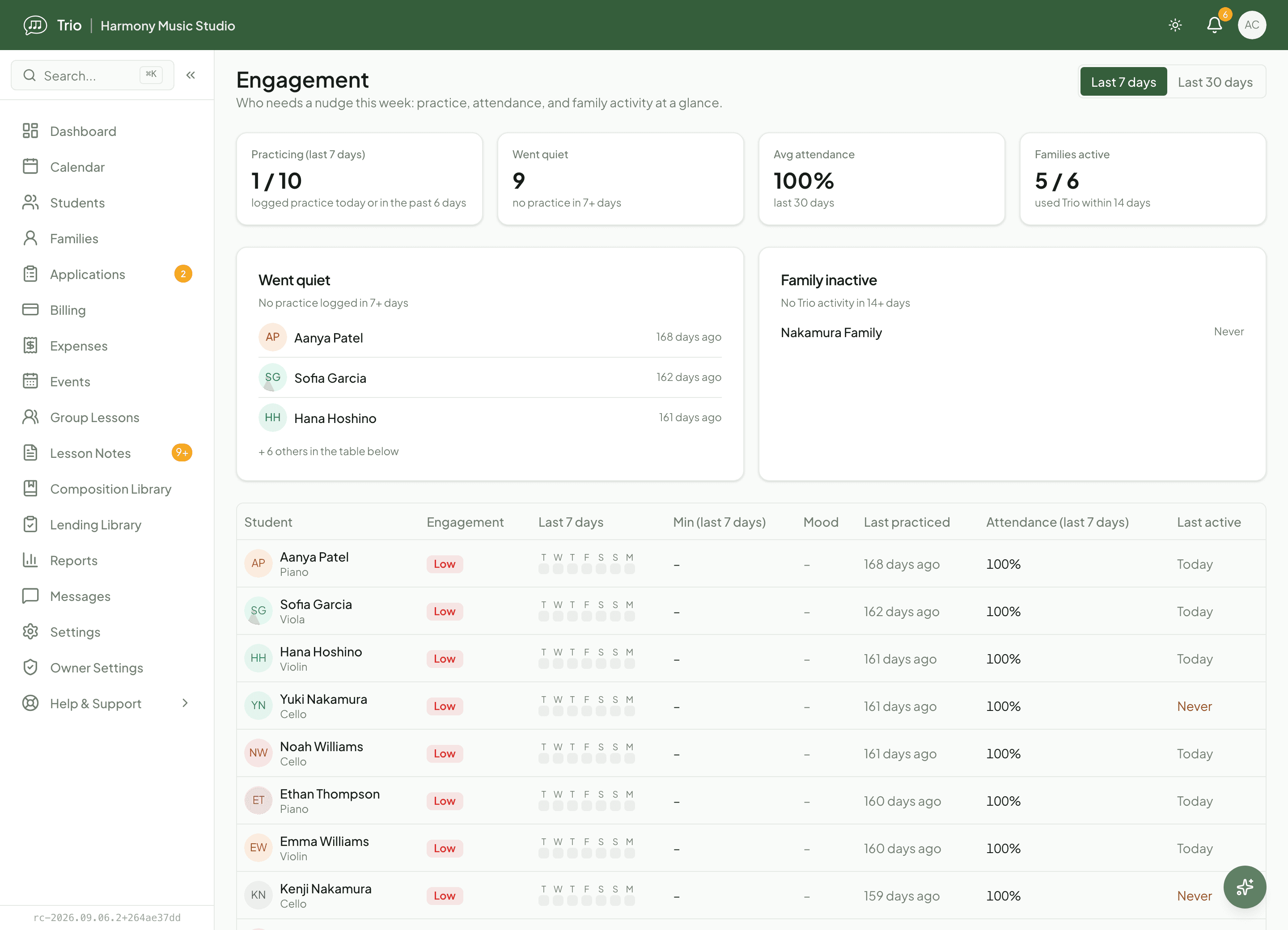
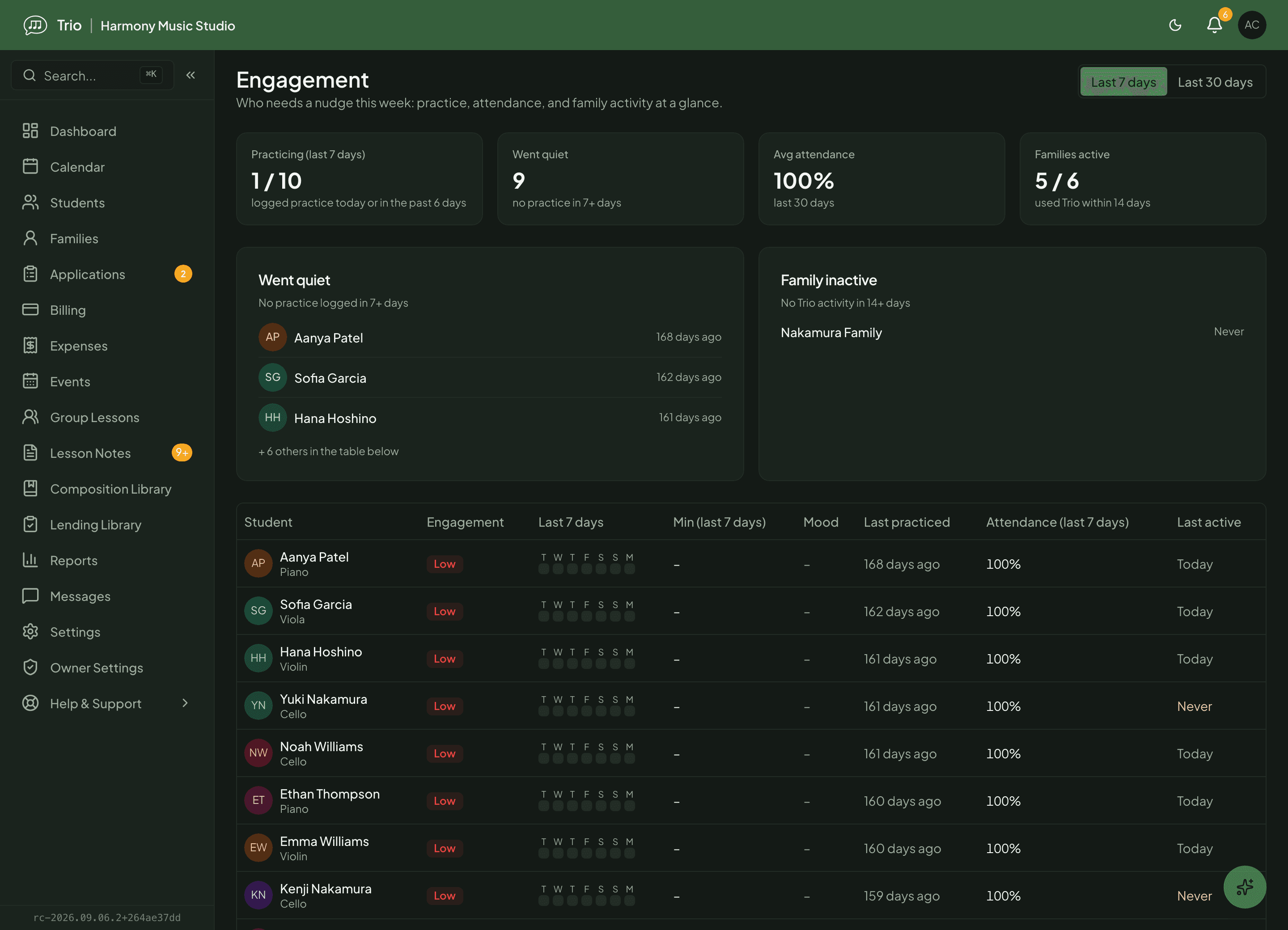
Before the next lesson the teacher opens the engagement view, sees who has logged and who has gone quiet, and watches the clip on the student's profile. One short comment goes back to the family. If a student has not logged in a while, the teacher can decide whether a friendly nudge is worth it - the signal is there, but the call stays human.
Real feedback on a real clip
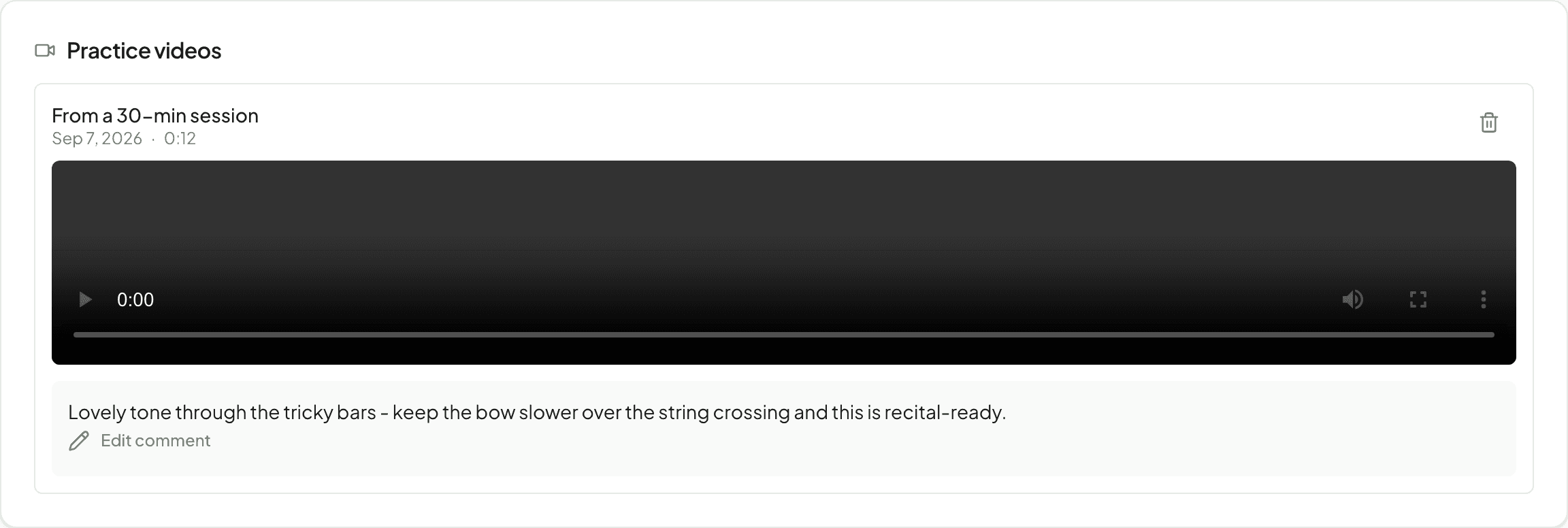
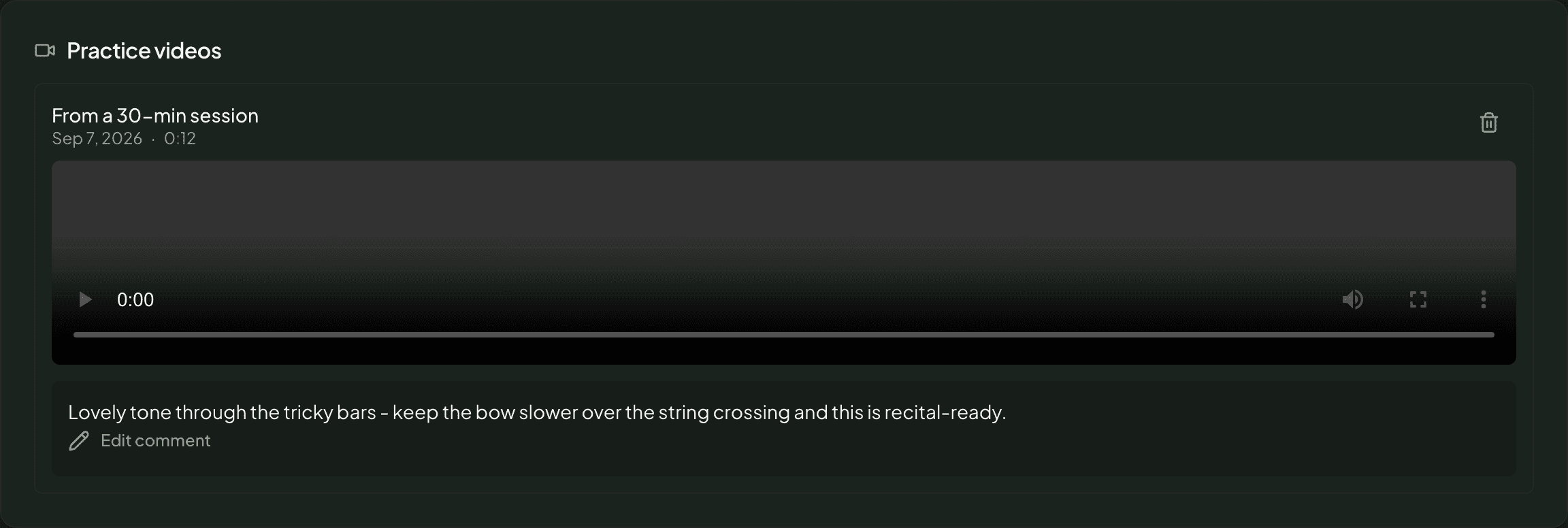
A family can add a short video of a passage between lessons. The teacher watches it on the student’s profile and leaves one comment: a person responding to a person, with no automated score of how the student played.
What you can do
Assignments with a daily target
Attach pieces and exercises to the lesson note and set a target for each - minutes, a number of repetitions, or how many days a week to practice. Families see exactly what to work on, not a vague 'practice more'.
One home for the whole family
Parents switch between their children in one place and see this week's plan, today's focus, past sessions and the pieces currently assigned - without a separate login per child.
Simple practice logging
A student or parent logs a session in a few taps - minutes, an optional mood, a quick note. Logged practice is what the family records, so it stays a friendly habit tracker, not a test.
Streaks and badges that motivate
Practice days build a streak, and earned badges celebrate milestones. It gives younger students a reason to come back tomorrow, with the history laid out as a heatmap they can be proud of.
Short practice videos with a teacher reply
Families upload a short clip of a passage between lessons. The teacher reviews it and leaves one comment - real feedback when it matters, not an automated score.
An honest engagement read for teachers
The engagement view rolls up practice and attendance into simple signals and flags the families that need attention - who went quiet, who has not opened Trio in a while - so you spend your energy where it helps.
Reminders and a weekly digest
Families who choose to turn on reminders get a gentle daily nudge, and an opt-out Sunday digest sums up the week. Trio skips the email entirely for a family with a quiet week, so a reminder never becomes noise.
Availability
- Included on every Trio plan - free, Pro and Max.
- Assignments are set by the teacher (owner and admin can too); families log practice, upload clips and earn badges from the member portal.
- A family needs a linked Trio account to log practice and receive the digest; a parent's account covers every child in the family, and a student aged 13+ can manage their own.
- The teacher engagement view is available to owners and admins across the studio, and to teachers for their own students.
- Daily practice reminders are opt-in; the weekly practice digest is on by default and can be turned off per family.
Common questions
- Does a practice log prove a student actually practiced?
- No. A log is what the family records - reported activity, not proof. A quiet week can also just mean nobody logged. Trio shows the signal honestly and leaves the judgement to you.
- Does Trio grade or score practice videos?
- No. A clip is there for you to watch and reply to. You leave a single comment for the family; there is no automated grading of how the student played.
- How does Trio decide a family has 'gone quiet'?
- It flags a student with no logged practice inside the recent window, and a family that has not used Trio for a couple of weeks. A family that never activated its account is shown separately, as an onboarding step rather than a lapse.
- Will families get bombarded with notifications?
- No. Daily reminders only go to families that turn them on, and the weekly digest can be switched off. Trio also skips the digest for any family with a quiet week, so it stays useful.
Related features
Ready to try Trio?
Parent or student? Sign in to your portal.