A predictable schedule that handles the changes
Set your weekly lessons once and let Trio carry them forward. Families reschedule, cancel and claim makeup credits inside the rules you set. You stay in control without the back-and-forth.
Set the schedule once, keep it current
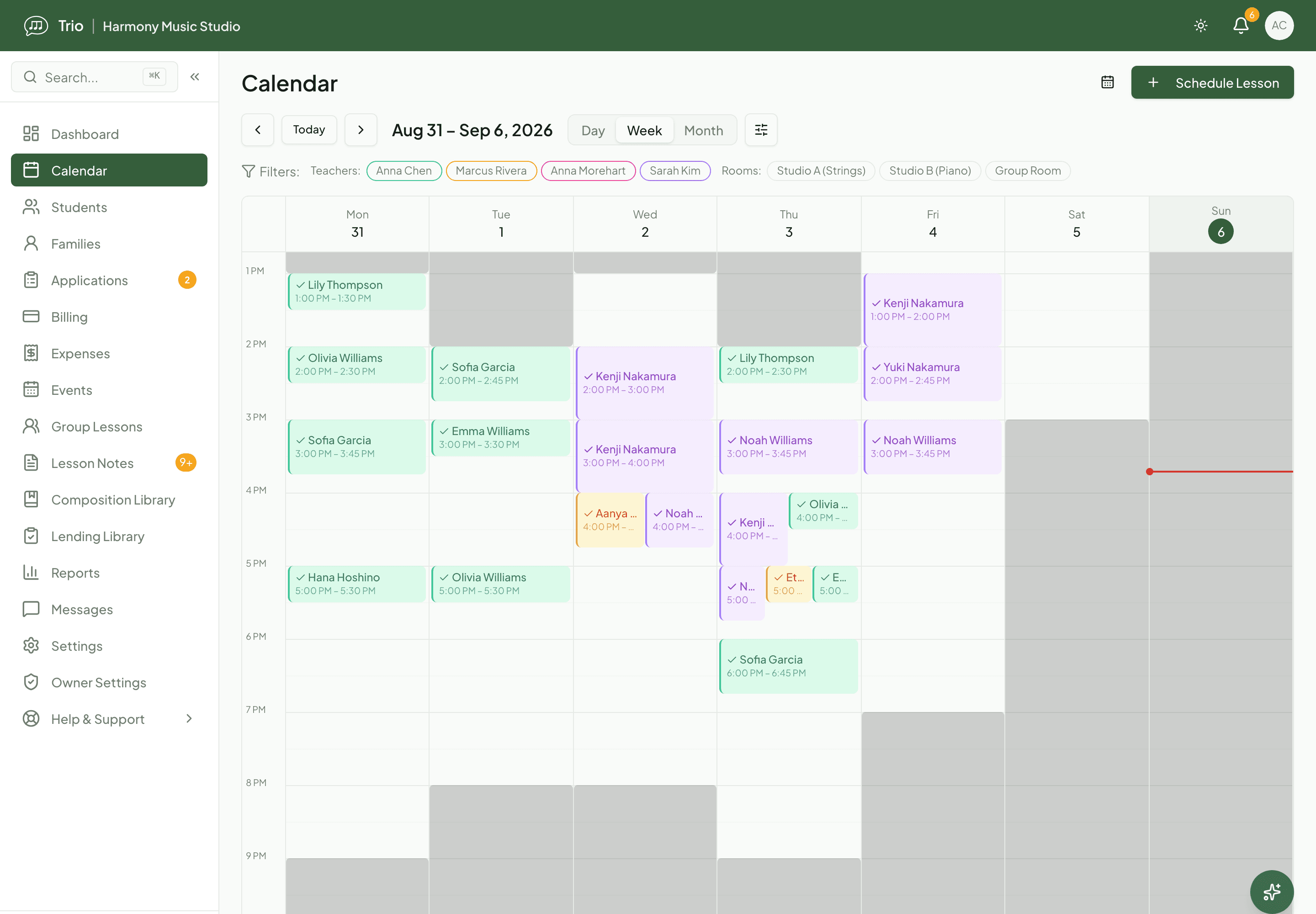
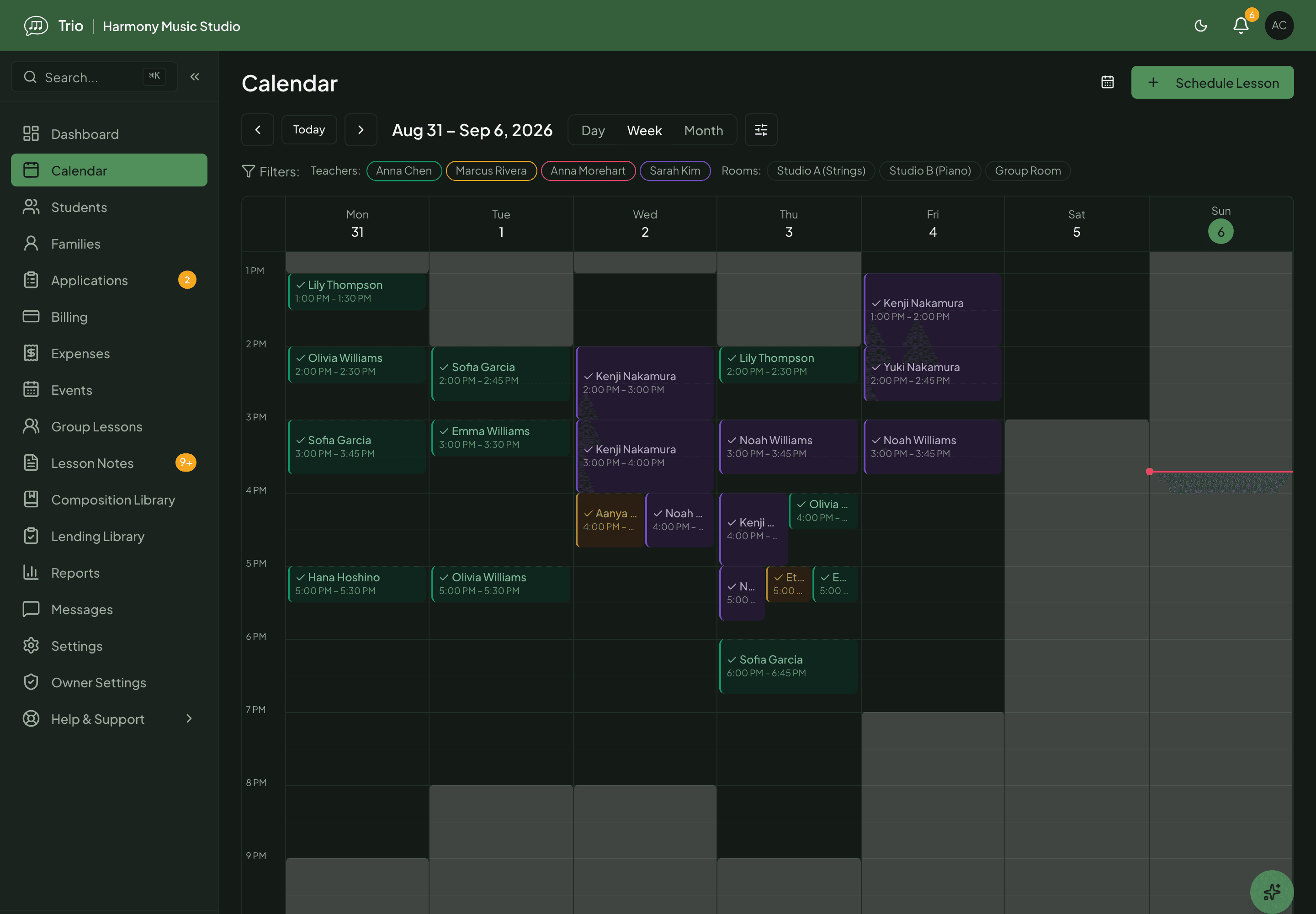
Put a student’s weekly lesson on the calendar and Trio carries it forward on a rolling 90-day window. See the day, week or month across teachers and rooms, and move a lesson to reschedule it. The family sees the change on their own schedule.
Recurring, private and group lessons
Set a weekly time once; private and group lessons work the same way. Trio rolls the pattern forward so you are never rebuilding next month’s calendar by hand.
Availability Trio respects
Set your weekly teaching hours and one-off exceptions like a holiday or a sick day. Booking only ever offers times you are actually free.
Family self-booking, within your limits
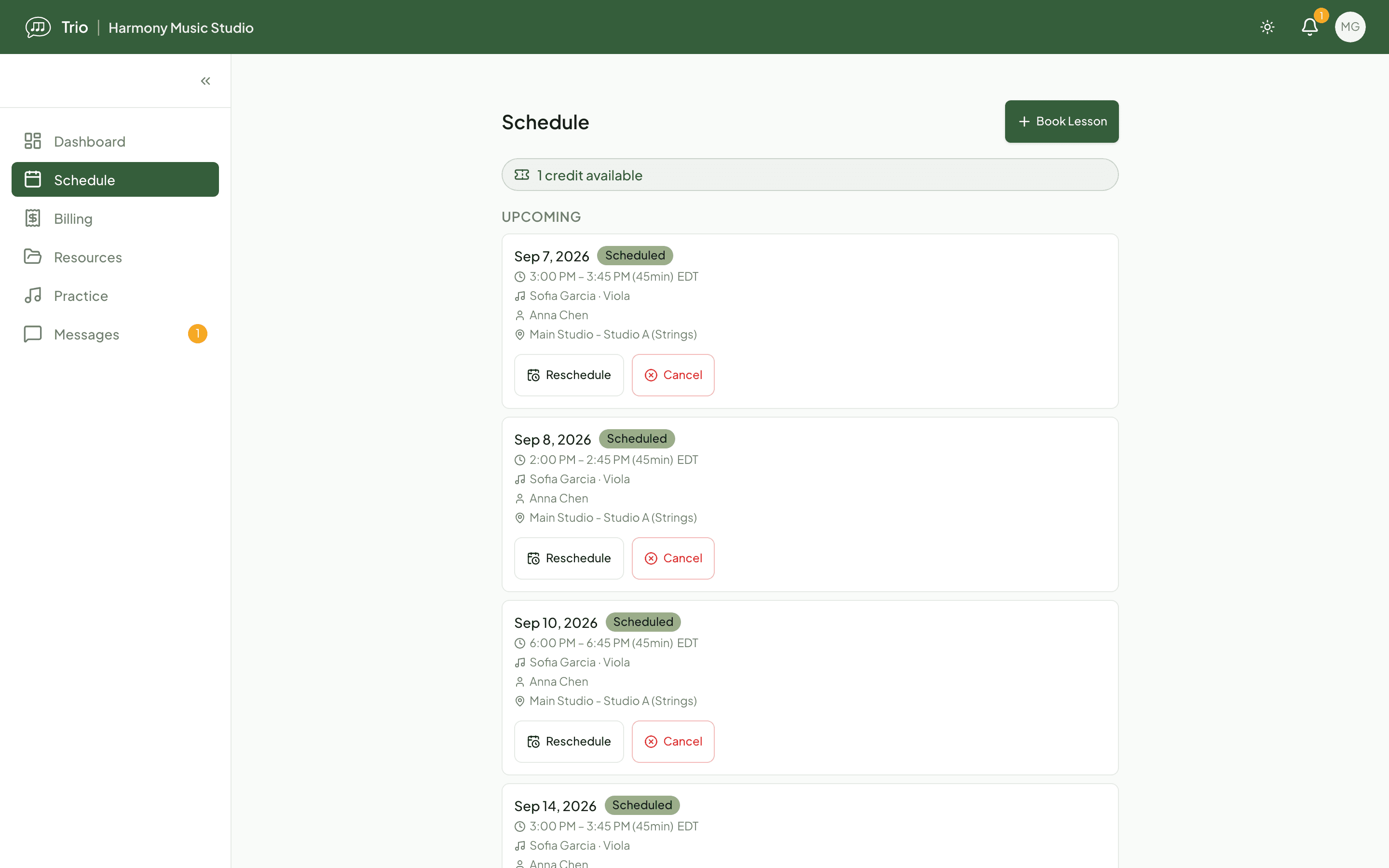
Turn on self-booking and families book, reschedule or cancel their own lessons inside the booking window and notice period you set, with no back-and-forth.
Conflict warnings and booking limits
Trio warns you before you double-book a teacher or room, and a family never sees a time that another student already holds.
Cancellations and makeup credits, on your terms
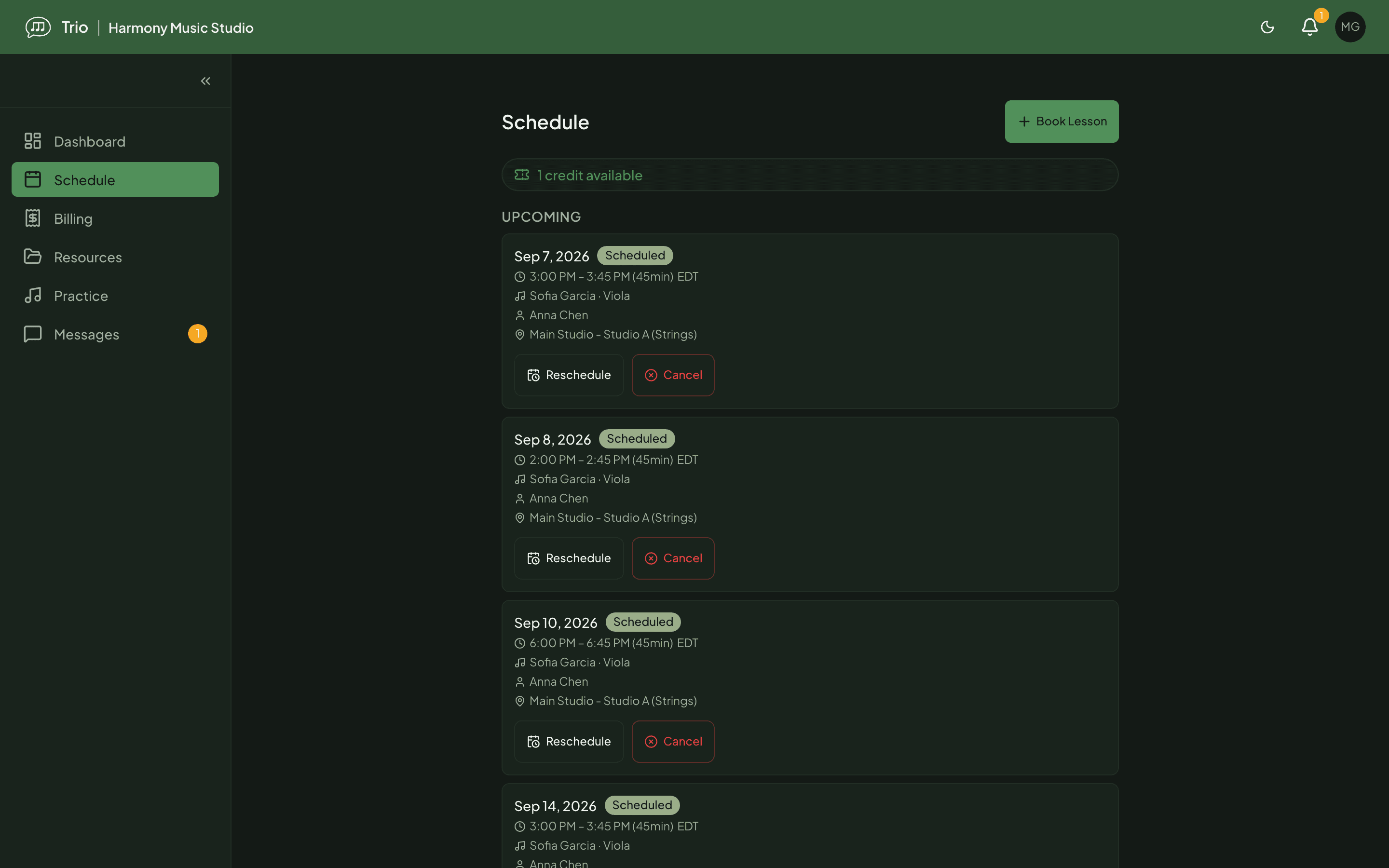
The Garcia family can’t make Thursday’s 4:00 pm lesson. Because they cancel two days out, inside the studio’s notice window, Trio records the cancellation and issues a makeup credit with an expiry date. From their schedule the parent opens Book lesson, sees only the times the teacher is actually free, and picks the following Tuesday; both sides get a confirmation.
A credit is never automatic. Had they cancelled an hour before, the same policy would record the change without a credit, and a slot another student already holds never appears as an option. Every credit carries an expiry, so balances don’t pile up forever.
Fits the rest of your week
Subscribe to your Trio schedule from Google, Apple or Outlook with a private calendar link, so your lessons sit alongside everything else you have on, always up to date. On Pro and Max, show your own calendars in Trio too: busy times from Google, Outlook or Apple appear on your Trio calendar, you get a warning before you schedule on top of one, and families never see those times as open. Teaching online? Attach your own meeting link to a lesson and the family sees a Join link at lesson time. Rooms and, on the Max plan, multiple locations keep a busier studio’s calendar straight.
Availability
- The calendar, recurring and group lessons, availability, rooms, and cancellation and makeup-credit rules are part of every Trio plan. Owners and admins set studio policy; teachers manage their own calendar and availability.
- Family self-booking is turned on by an owner or admin, who also set the booking window and notice period. Families then book from the member portal.
- Subscribe to your Trio schedule from Google, Apple or Outlook with a private calendar (iCal) link, so your other calendar always shows your lessons. On Pro and Max, you can also show your Google, Outlook or Apple calendar in Trio: busy times appear on your calendar, Trio warns you before you place a lesson on one, and families cannot book over them.
- Virtual lessons work by attaching your own meeting link (Zoom, Meet or similar) to a lesson; multi-location scheduling is available on the Max plan.
Common questions
- Does every cancellation earn a makeup credit?
- No. Credits follow the policy you set, usually a cancellation made before your notice window. Late cancellations and no-shows do not earn one, and every credit has an expiry date so balances do not pile up forever.
- Can families change their own lessons?
- Only if you allow it. When self-booking is on, families book, reschedule and cancel inside your booking window and notice rules, and only into open times. Trio hides slots that are taken or outside your teaching hours.
- Does it sync with Google, Apple or Outlook?
- Yes, in both directions. Subscribe to your Trio schedule from Google, Apple or Outlook with a private calendar (iCal) link, and your lessons appear alongside the rest of your day. On Pro and Max, add up to five of your own calendars to Trio by their secret iCal address: Trio reads their busy times every 15 minutes, shows them on your calendar, warns you before you schedule on top of one, and keeps families from booking over them. Trio only reads busy times, so your other calendars stay exactly as they are and nobody but you sees the event titles.
- Can I teach online?
- Yes. Attach any meeting link (Zoom, Google Meet or another service) to a lesson, and the family sees a Join link on their schedule at lesson time.
Related features
Ready to try Trio?
Parent or student? Sign in to your portal.