The back office your studio runs on
Beyond lessons and invoices, a studio is a hundred small jobs: a new family enquiring, a policy to re-sign, a method book you lent out in March. Trio keeps them in one place so one person can stay on top of all of it.
How a new family joins
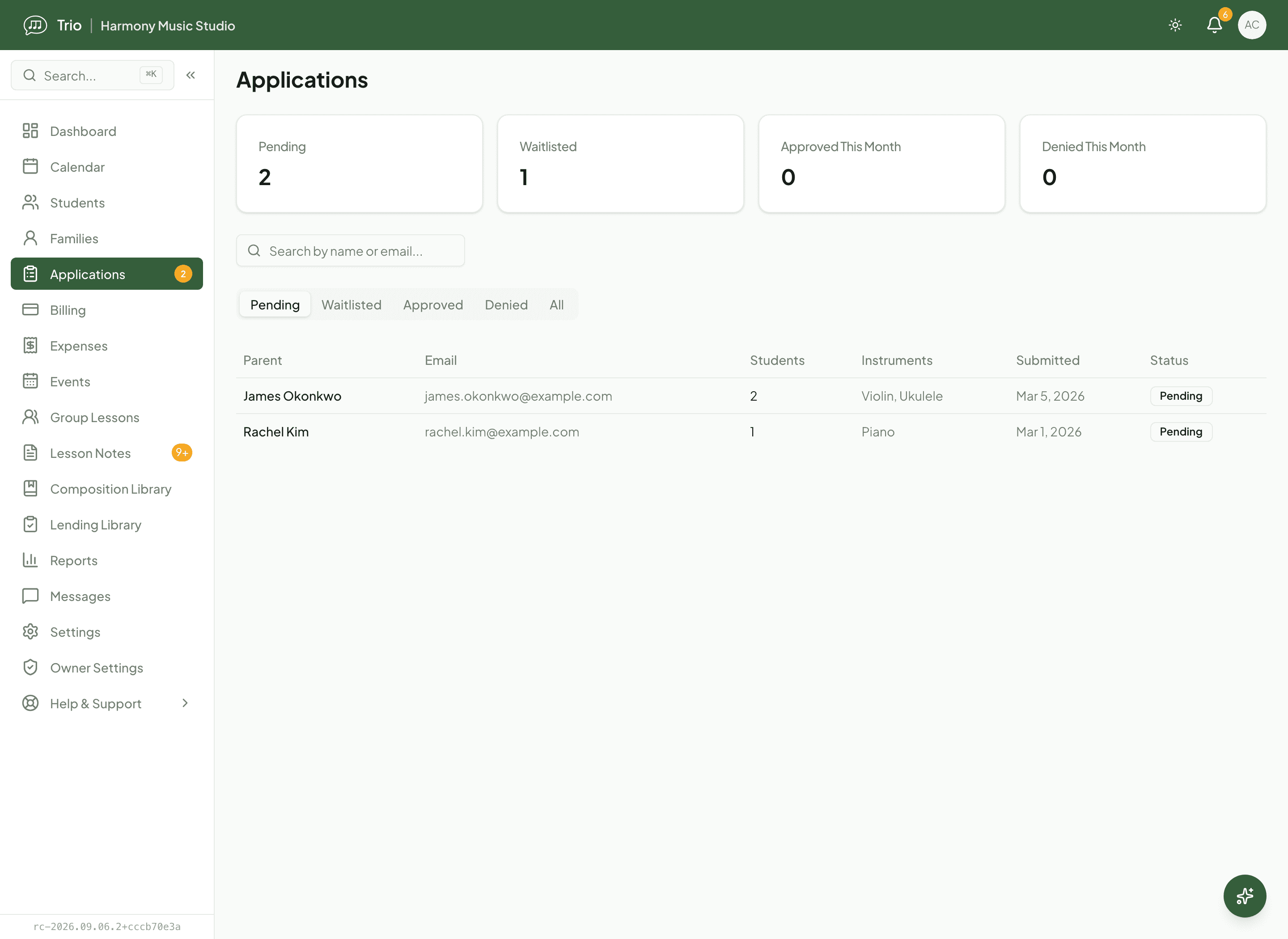
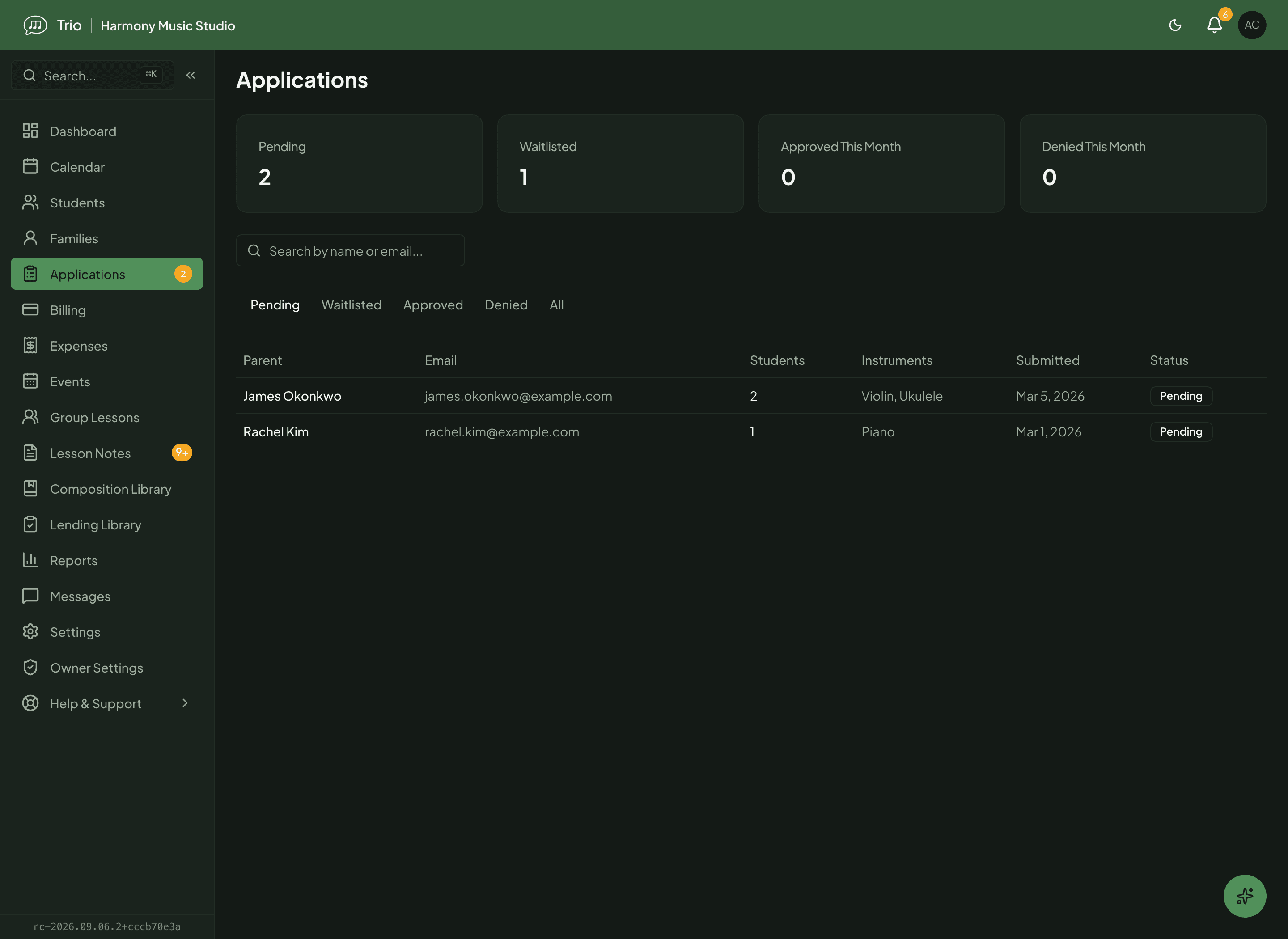
A parent finds your studio site and sends an application. It lands in your Applications inbox, not your email, where you review what they submitted and approve, waitlist or decline. Approving opens a guided setup, pre-filled with the family’s details, that you step through to create the family, student and guardian. Approval starts that setup; it never silently enrols anyone. Trio then invites the family to their portal, where they read your current policy and record their agreement.
A studio site that takes applications
Your public site carries an application form you configure (which fields show and which are required), and every enquiry arrives in one Pending, Waitlisted, Approved or Denied inbox.
Guided setup on approval
The Add Student wizard opens pre-filled from the application. If it lists more than one child, the wizard repeats for each, so siblings land in the same family.
One family record, portal included
Students, siblings and every guardian live together in one family record, and the family gets portal access to their schedule, invoices, notes and messages.
Policies your families actually agree to
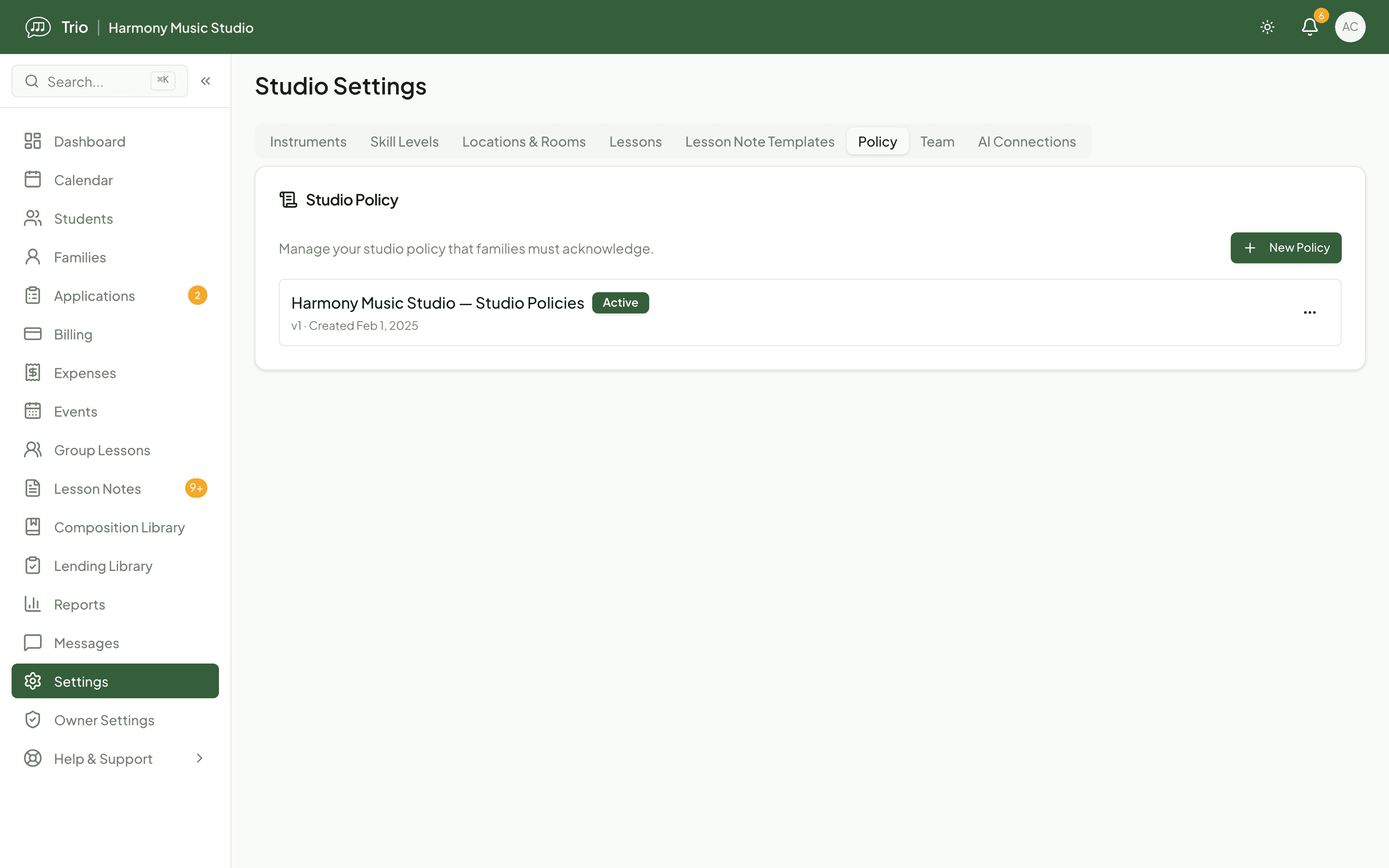
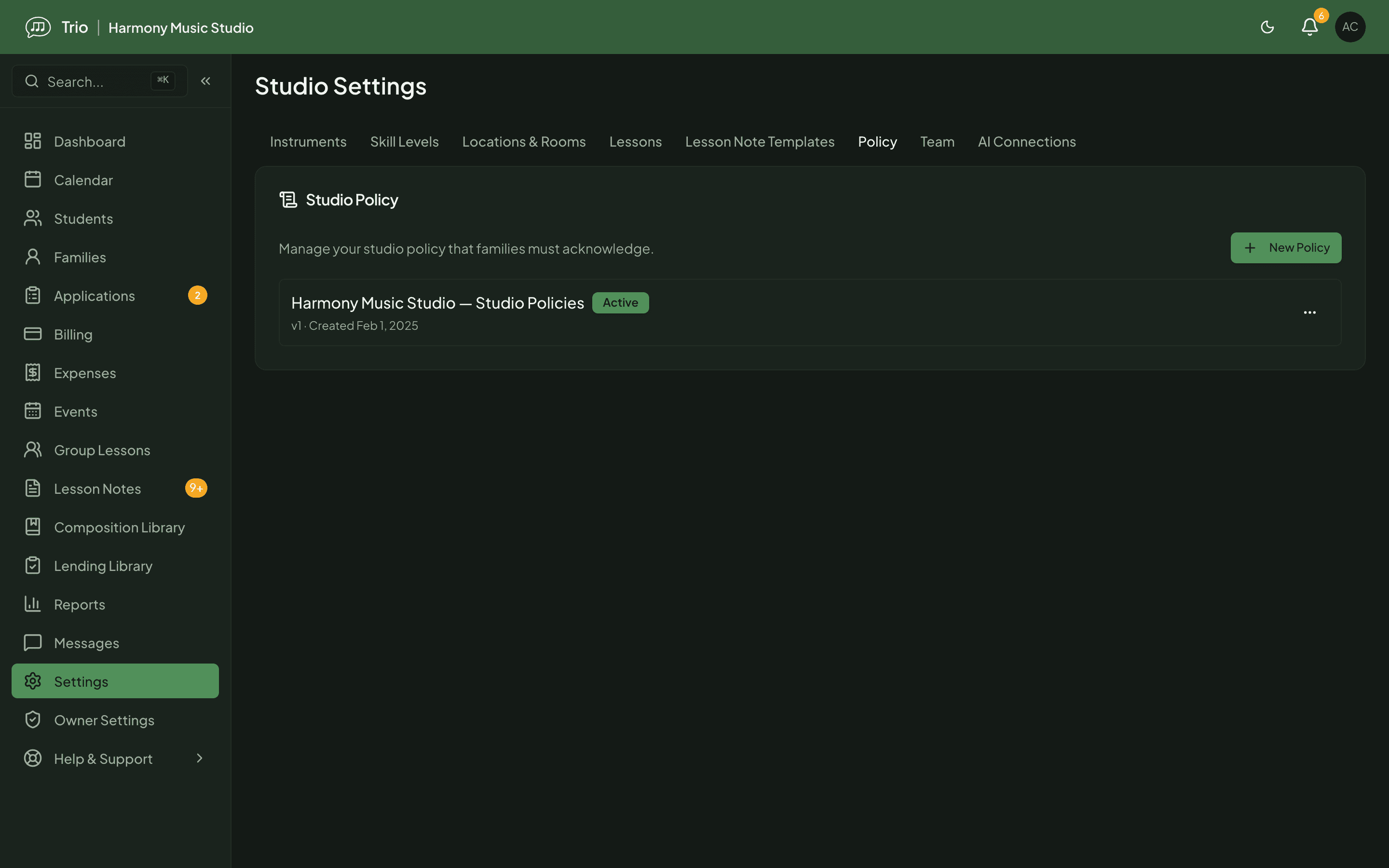
Publish your studio policy and Trio keeps it versioned. Each family reads it in their portal and records their agreement, and Trio saves who agreed and when. When you update the policy, earlier agreements are flagged as no longer current and those families are asked to review and agree to the new version, so everyone stays on the same terms. It is a clear record of who agreed to what, not a legal opinion.
Know who still has your books
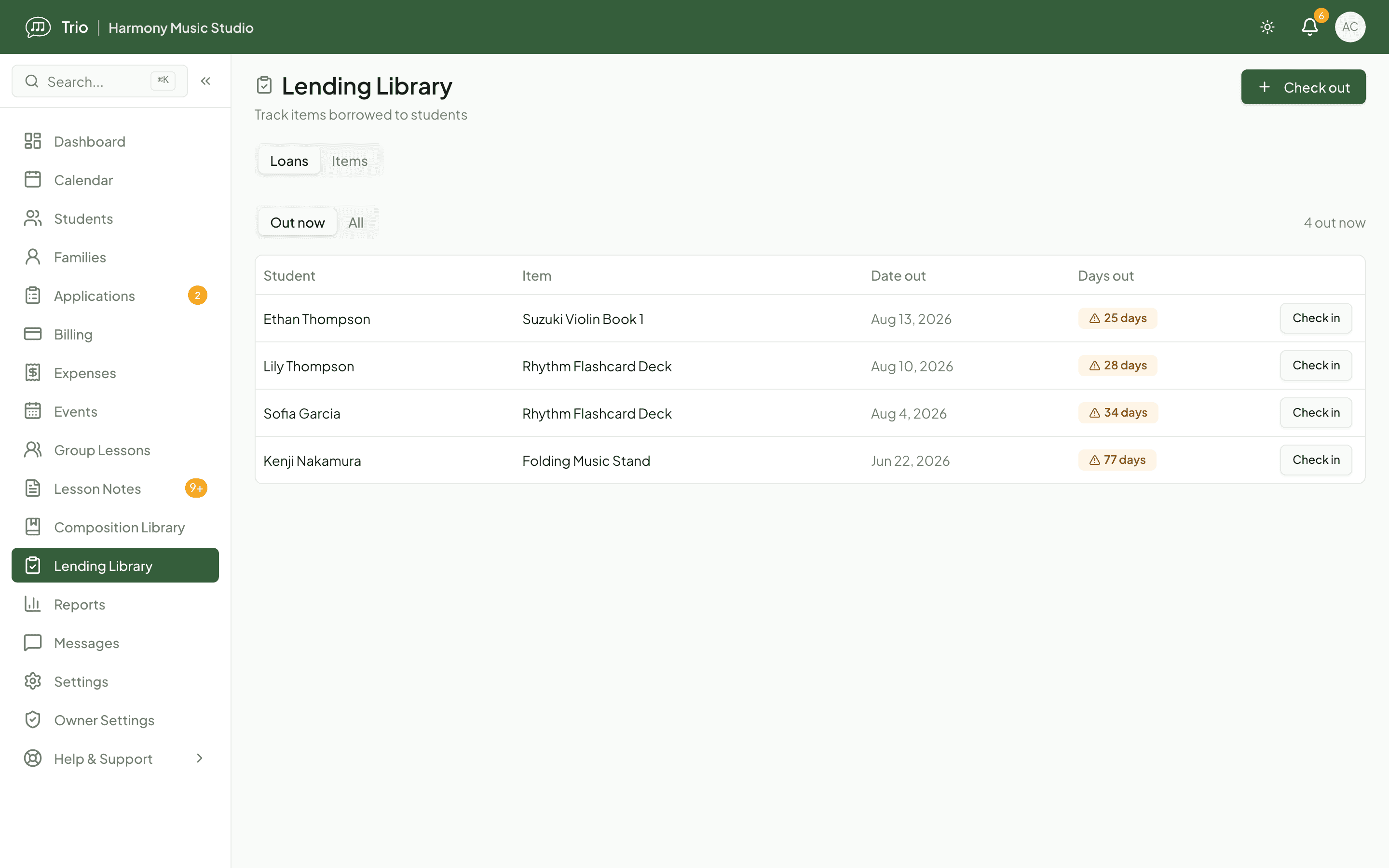
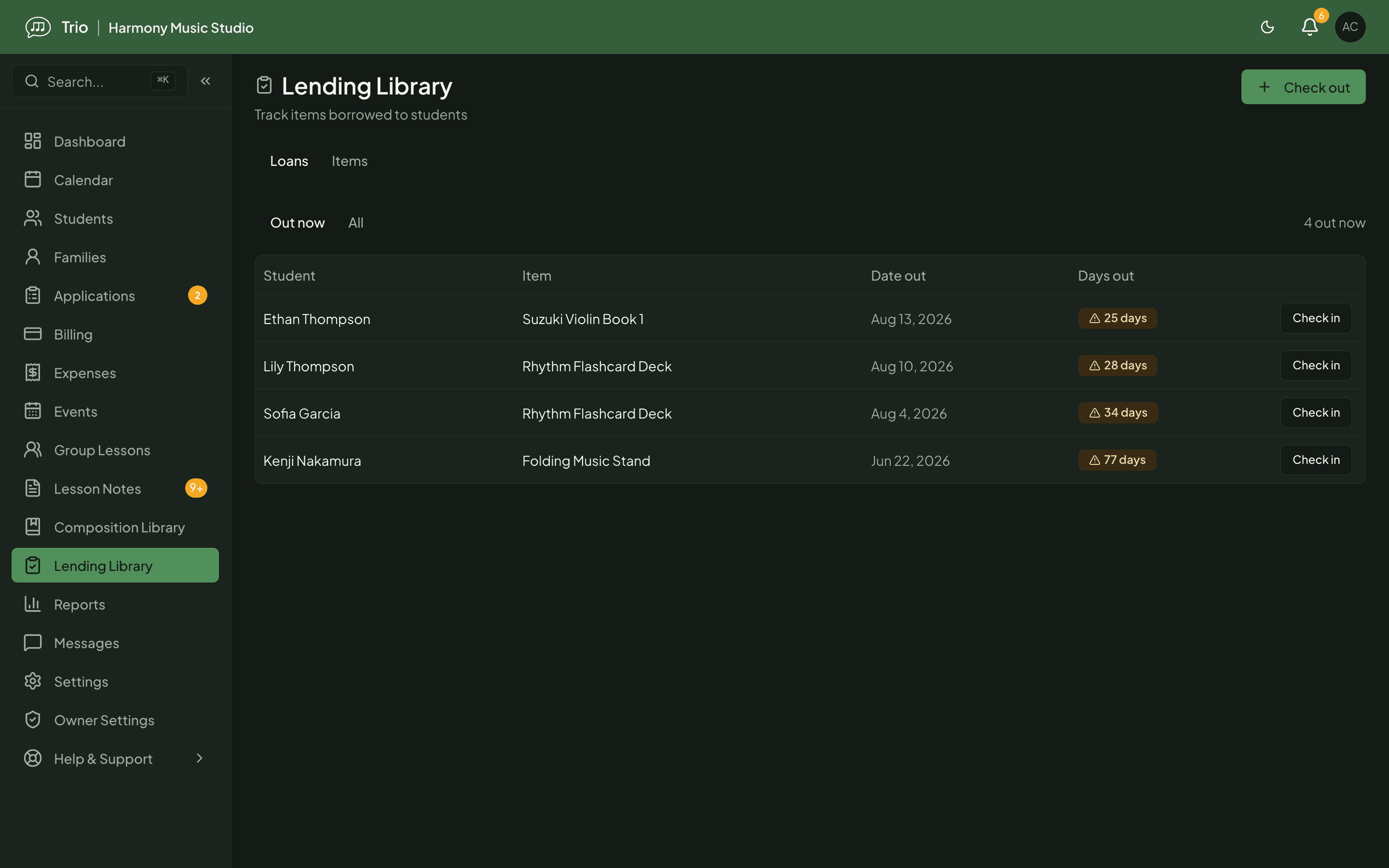
“Who still has my Suzuki Book 1?” is a question the lending library answers for you. Track the physical things you lend, such as method books, stands and rhythm cards, with a quantity per item and an at-a-glance count of how many are still on the shelf. Check an item out to a student, check it back in when it returns, and see everything that is still out. Each student’s borrowed items also show on their profile, and anything out for three weeks is flagged, so a lost book stands out without any digging. It stays in your teacher portal; families never see it.
Reach everyone, and run the recital
Reply to a family one-to-one, or send a group announcement to your whole studio, a filtered set or a hand-picked list. Each person receives it in-app, by email or by text according to their own notification preferences. When recital season comes, build the event, add performers with their pieces and a running order, invite the performer families and collect their RSVPs, then print a clean program for the day.
See the numbers, and get a hand
Read income, attendance and student-progress reports, log your expenses, and export income to CSV or PDF for a bookkeeping review or an accountant handoff. And Ask Trio, the in-app assistant, can answer a question, read your studio and draft a message for you. It is read-only: it points you to the right page and writes the words, but it never changes your records for you.
Availability
- Owners and admins manage applications, policies, reports and expenses; staff can review applications; the studio site and its application form are public.
- The lending library is available on every plan: owners, admins and teachers record loans, staff can view them, and it stays private to the teacher portal.
- Announcements, recital invitations and portal messages reach families by their own notification preferences; text-message volume scales with your plan (50 on Free, 1,000 on Pro, 10,000 on Max).
- Extra teacher and staff accounts are available on the Pro and Max plans.
- Ask Trio reads your studio and drafts text on request but never edits records; it draws on your plan's AI credits.
Common questions
- Does approving an application enroll the student automatically?
- No. Approval opens a guided Add Student wizard, pre-filled with the family's details, that you step through to create the family and student. If the application lists more than one student, the wizard repeats for each.
- What happens when I update a policy families already agreed to?
- Trio keeps each policy versioned. When you publish an update, earlier agreements are marked no longer current and those families are asked to review and agree to the new version. Their acknowledgment records who agreed and when.
- Can families see the lending library?
- No. It is a teacher-portal tool for your own tracking. You will also find a student's borrowed items on their profile, so you can return one without opening the library.
- Is the income report a replacement for accounting software?
- No. It gives you a clear line-by-line income view with a category breakdown and CSV or PDF export for a bookkeeping review or an accountant handoff.
Related features
Ready to try Trio?
Parent or student? Sign in to your portal.