Prepare, teach, and share in one place
Everything for the lesson in front of you: last week's focus, attendance, repertoire and practice, plus rough notes you can structure into a clear summary for the family afterwards.
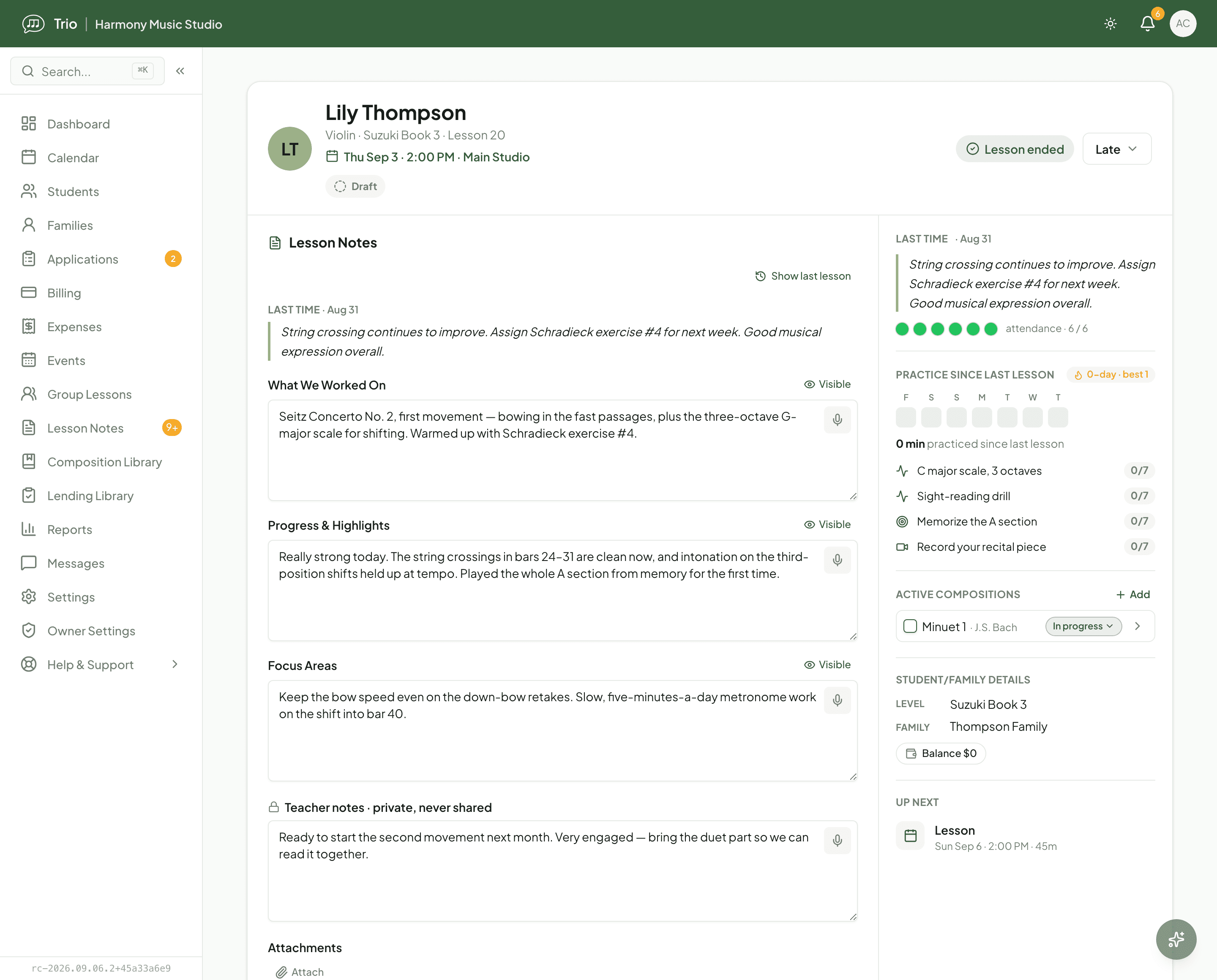
Turn rough notes into a clear summary
Type or dictate a few rough lines during or after the lesson, then choose Structure notes. Trio organises what you wrote into your template sections, using your recent notes and any template hints for context. It is optional (Manual mode lets you write straight into the sections), and you always review and edit before finishing. AI structuring never records or listens to a lesson; it only works from the text you enter.
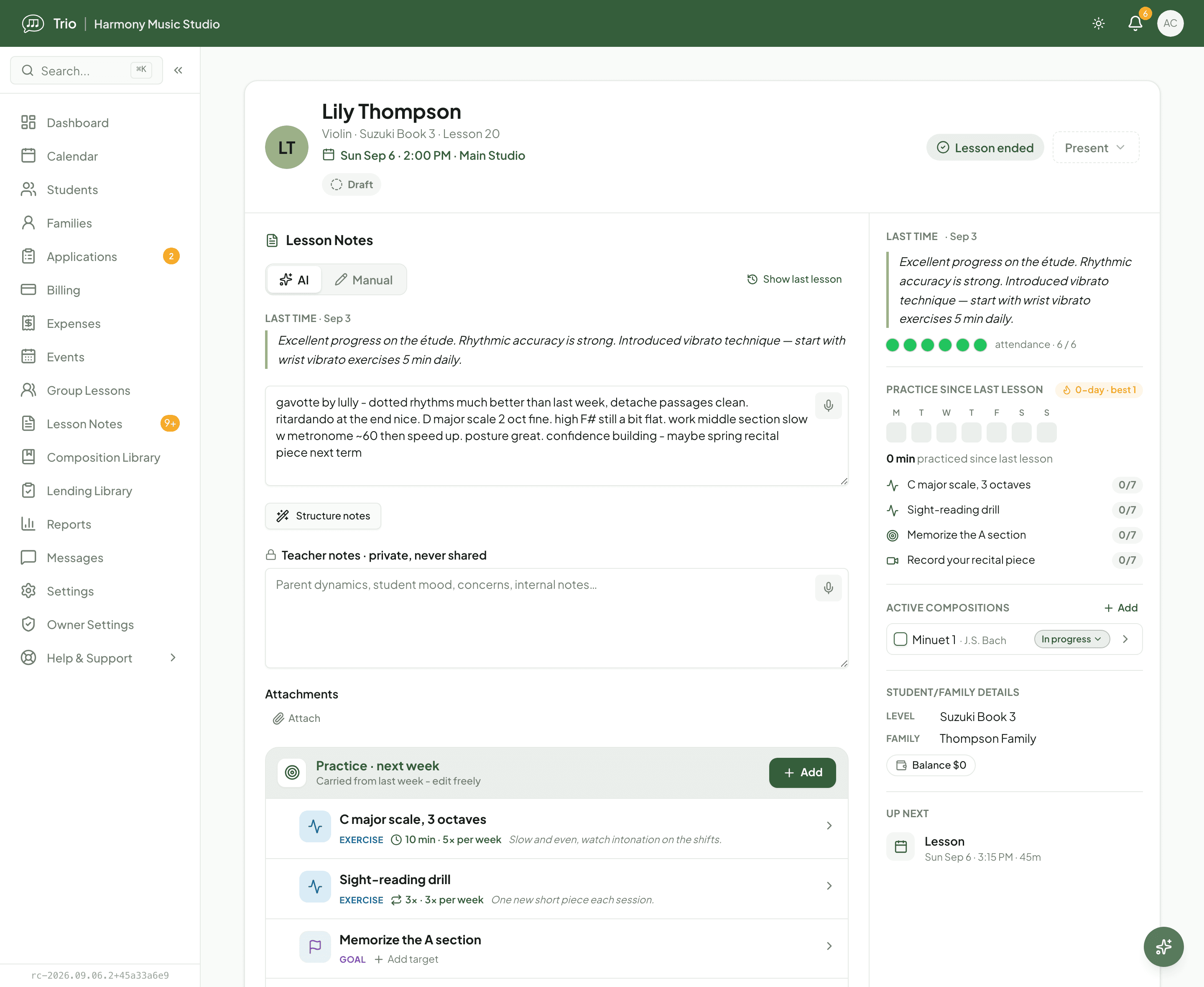
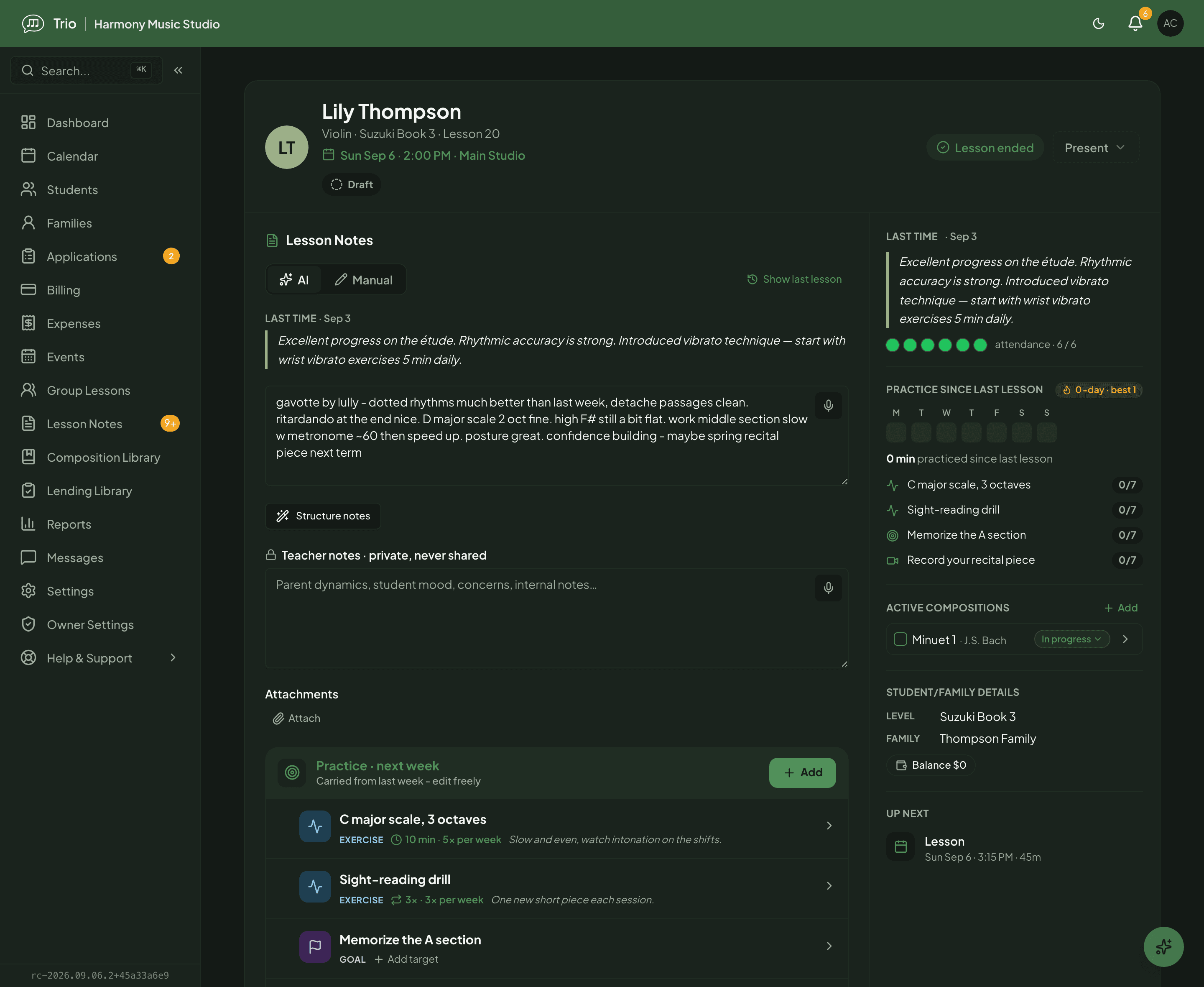
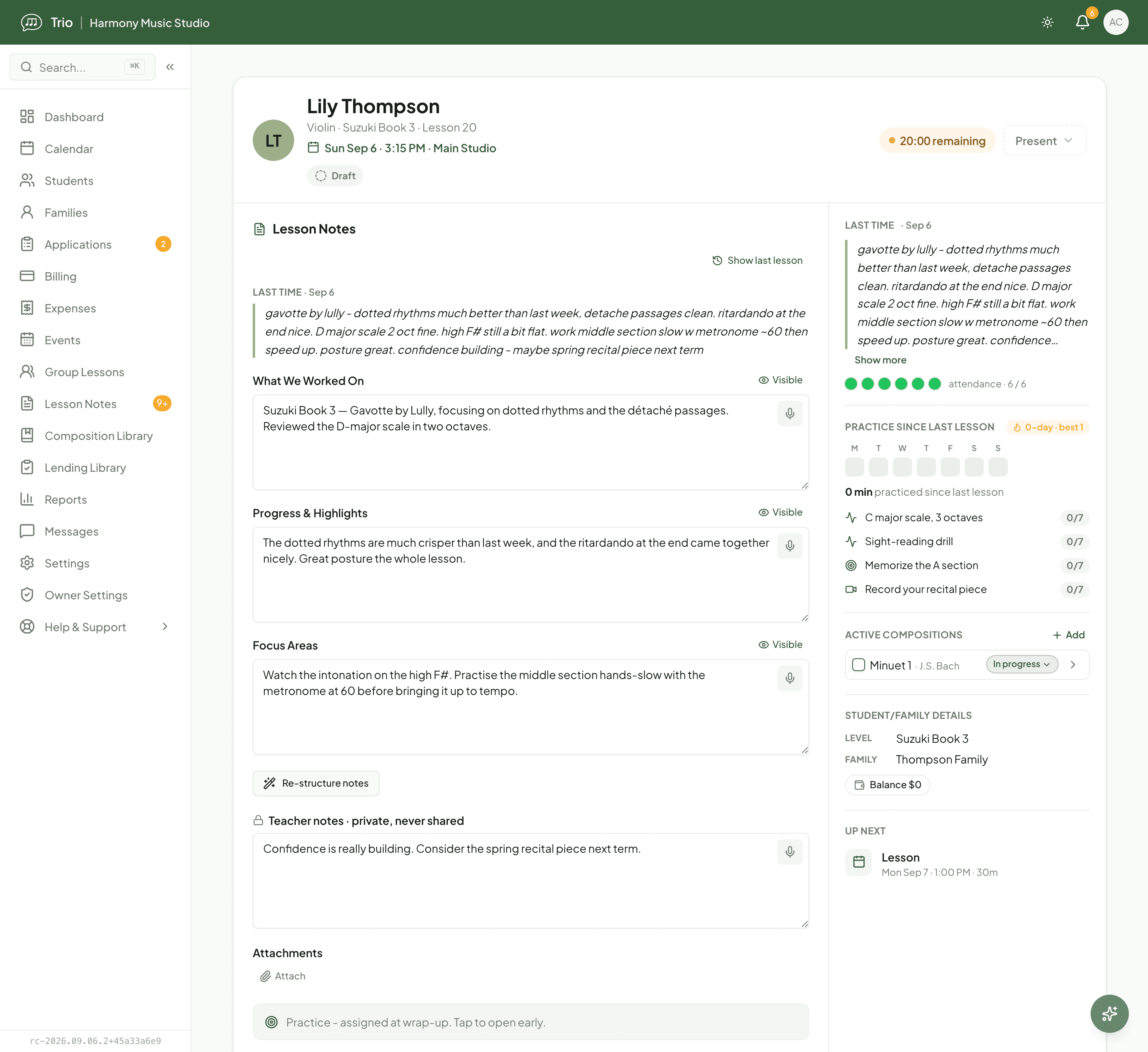
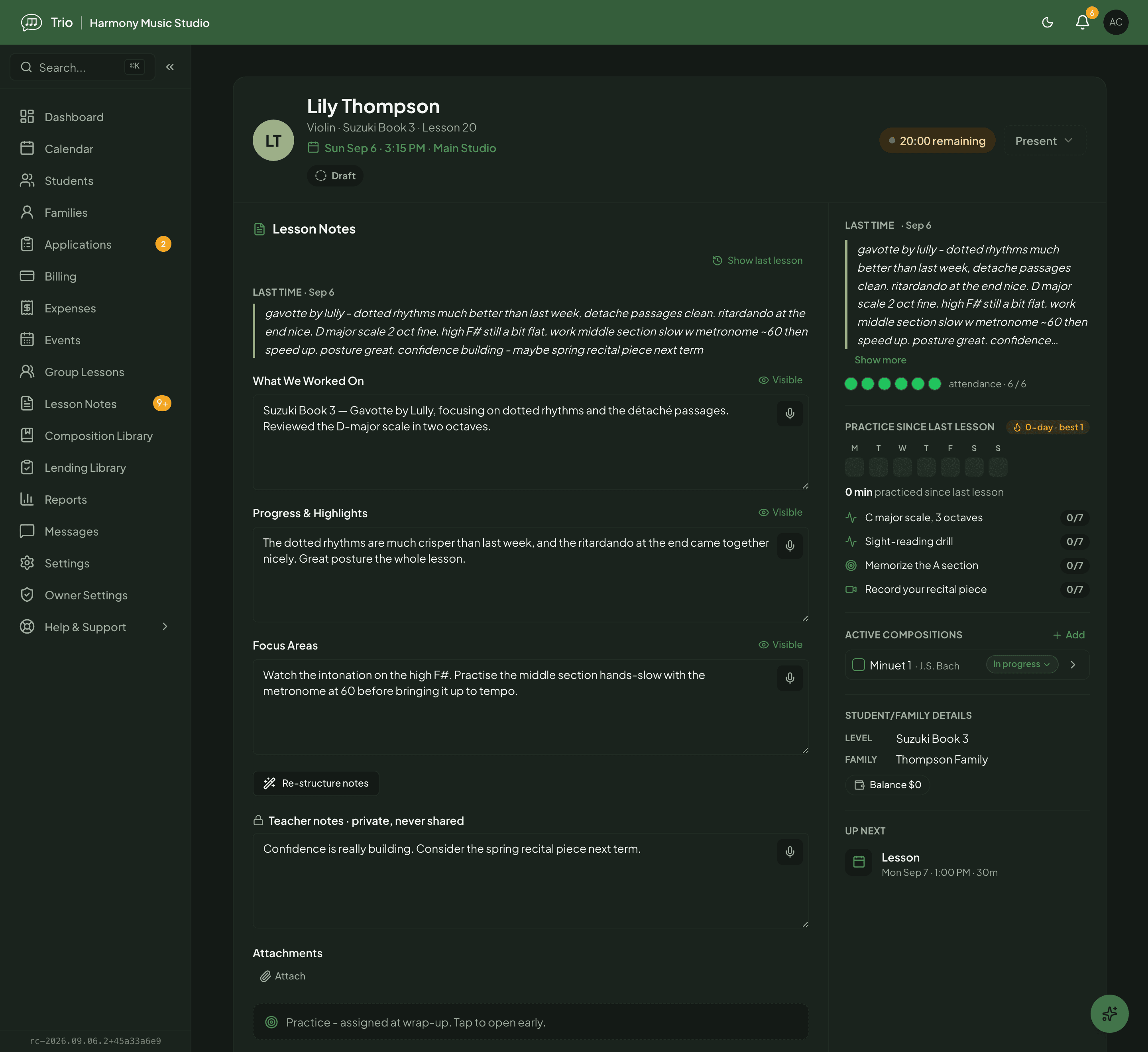
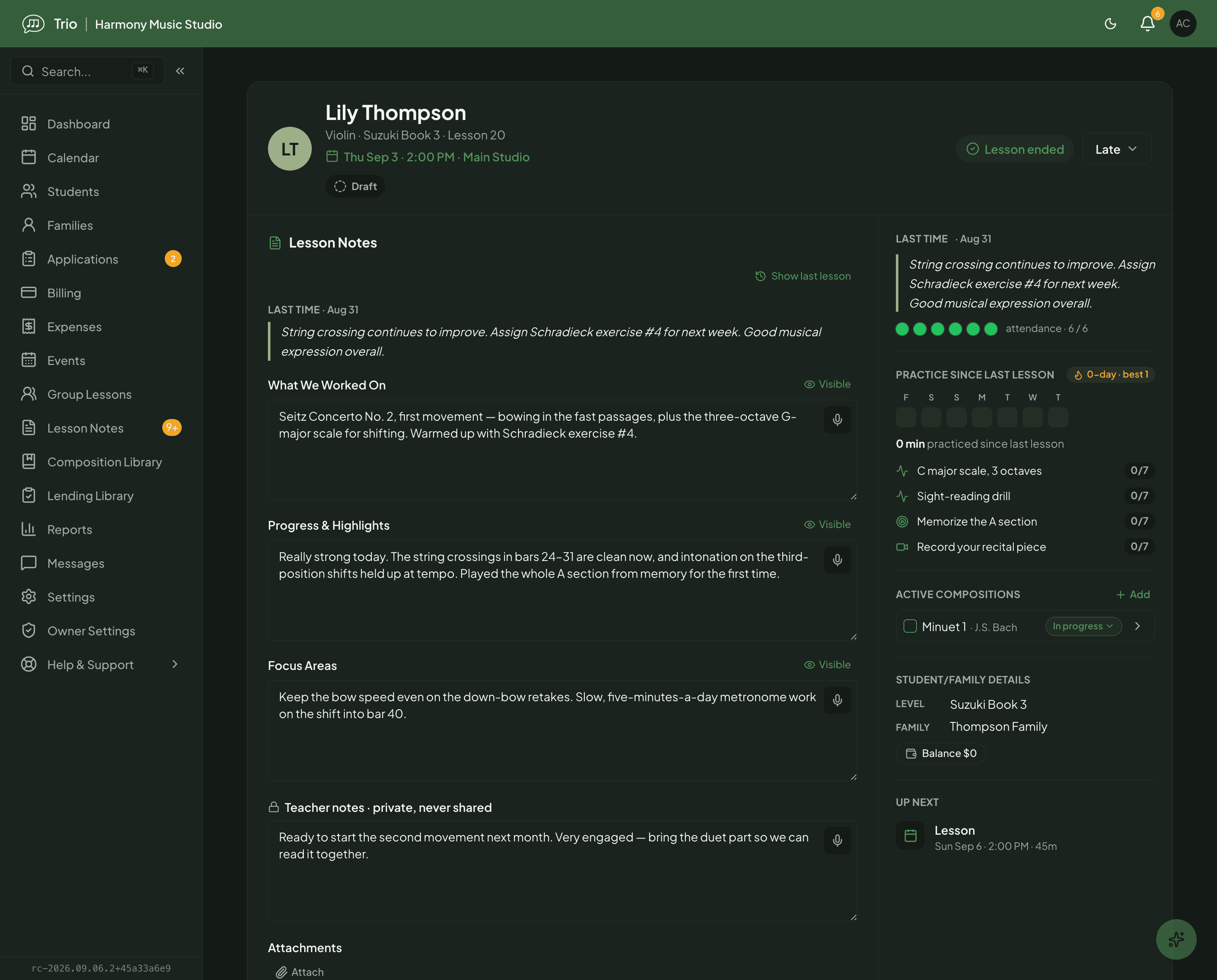
Example lesson notes shown with fictional student data. The rough and structured views are illustrative examples, not a single captured generation.
Nothing slips through the cracks
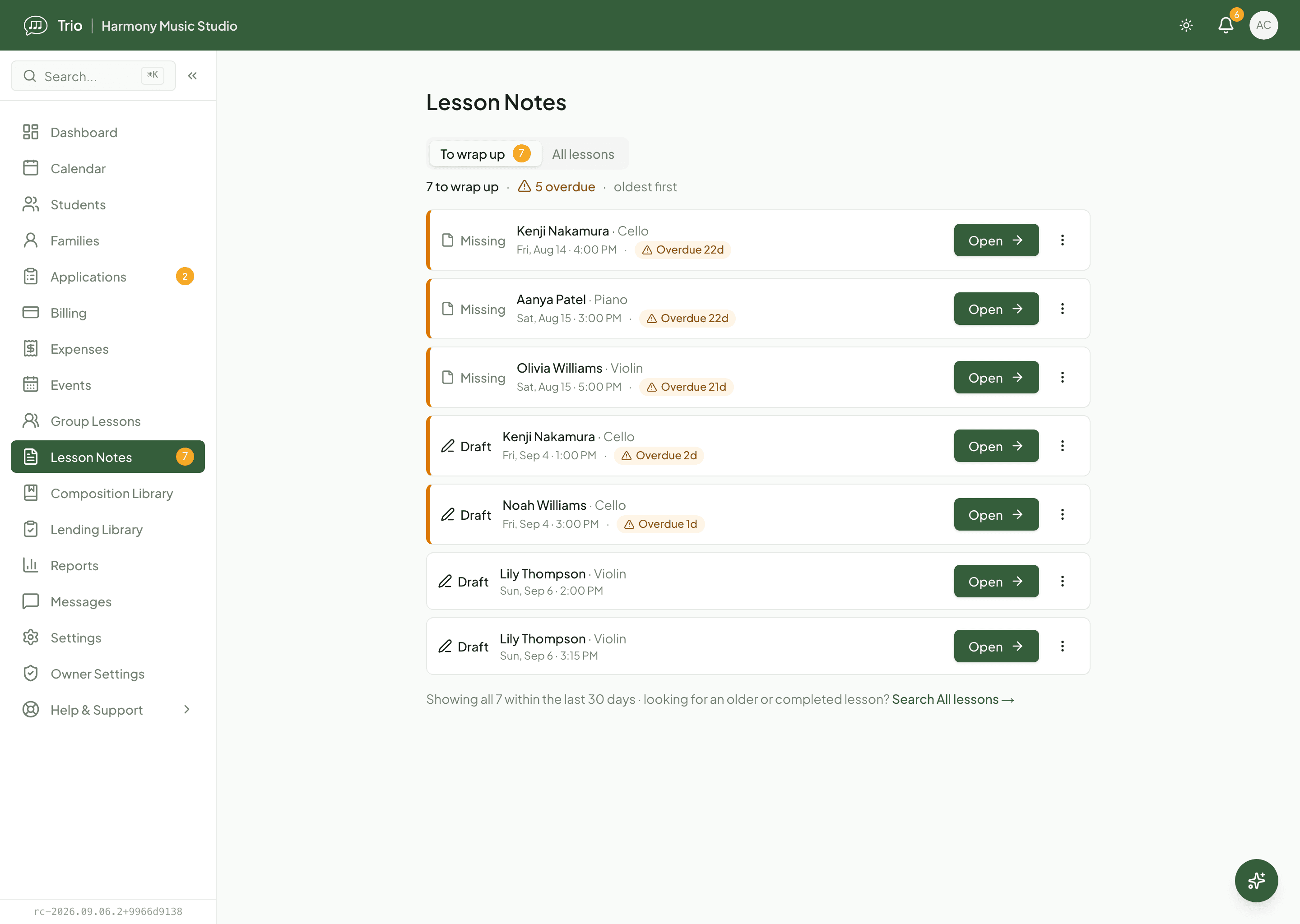
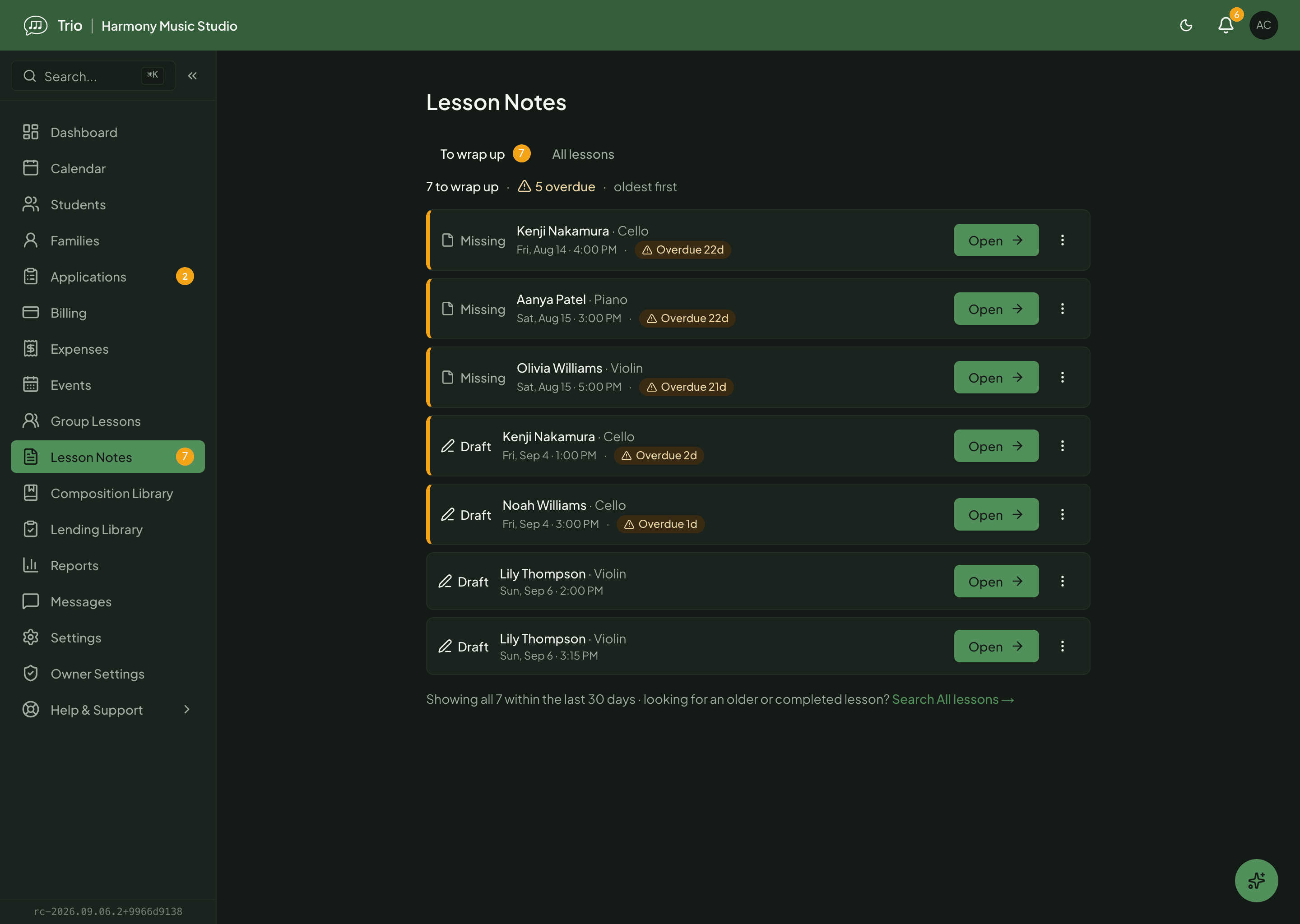
The wrap-up worklist keeps a running list of every lesson that still needs a note, oldest first, and flags anything overdue. Each row is Missing or Draft so you can see at a glance what is left. Switch to All lessons to search your full history by student, family or note content.
Built on the rest of your studio
Lessons draw on your repertoire library, so the pieces a student is working on are one tap away, and the AI importer can pull in piece details and practice suggestions (the catalogue metadata, not the sheet music itself). Practice you assign from the lesson flows straight to the family, and completed notes stay searchable for as long as you teach the student.
Availability
- Lesson notes, the lesson workspace and the wrap-up worklist are on every plan for teachers, owners and admins.
- AI note structuring is optional and uses the studio's shared monthly AI credits, which are included on every plan; you can always write notes manually.
- Families see only the sections you mark Visible, and only after you share; your teacher notes stay private.
- Owners see every lesson in the studio; teachers and admins see their own.
Common questions
- Does Trio record or transcribe my lessons?
- No. You type or dictate the rough notes yourself, and AI organises that text into your template sections. There is no automatic recording or transcription.
- Do families see my notes automatically?
- No. A note stays private until you choose to share it, and only the sections you mark Visible are shared. You can reopen a note as a draft or unshare it at any time.
- Do I have to use AI?
- No. AI structuring is optional, and Manual mode lets you write straight into the sections. When you do use it, it draws on the studio's shared monthly AI credits, included on every plan.
- Can families get a copy of a note?
- Yes. You can export a completed note as a PDF that preserves line breaks, so practice instructions stay readable.
Related features
Learn how to use it
Ready to try Trio?
Parent or student? Sign in to your portal.